How to make free Digital Business Card With BigDot
Step-by-step guide to making a free digital business card with BigDot: design it, add your details and social links, and share it anywhere by QR code.
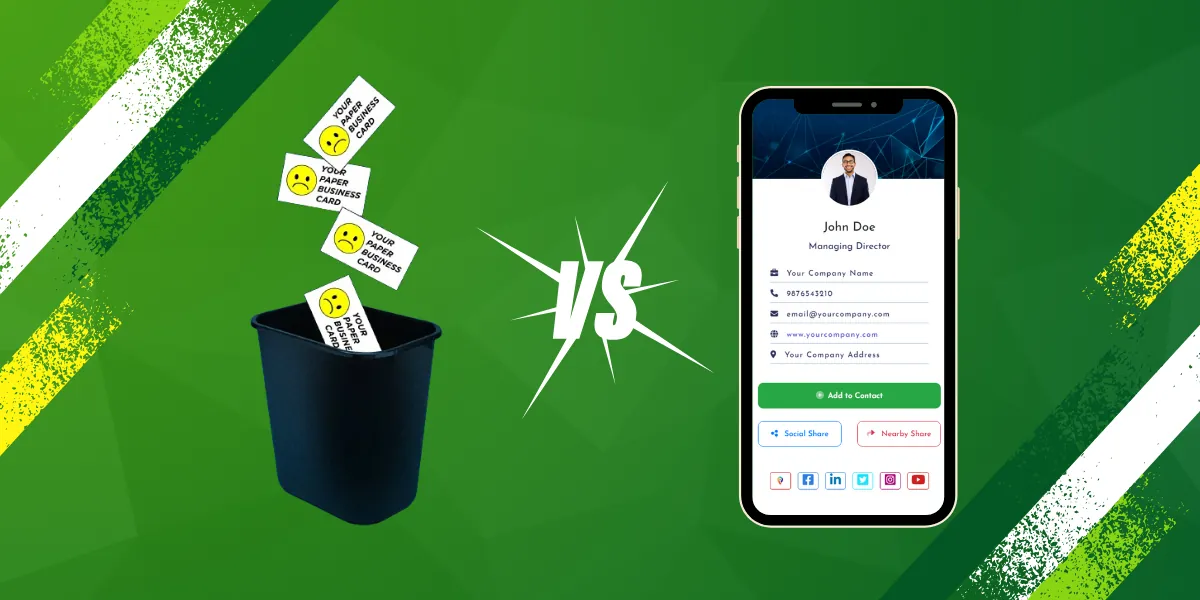
In today’s digital age, having a traditional paper business card might not always cut it. Enter the digital business card – a modern, eco-friendly alternative that allows you to share your contact information effortlessly. BigDot offers a free digital business card solution that is easy to use and packed with features to help you make a lasting impression. In this blog post, we’ll guide you through the process of creating your own digital business card with BigDot and explore some of its key features.
What is BigDot Free Digital Business Card?
BigDot is a platform that allows you to create and share free digital business cards online. With BigDot, you can design a professional-looking digital card that includes all your contact information, social media links, and a personalized message. The platform offers a range of customization options to help you tailor your card to suit your brand and personality.
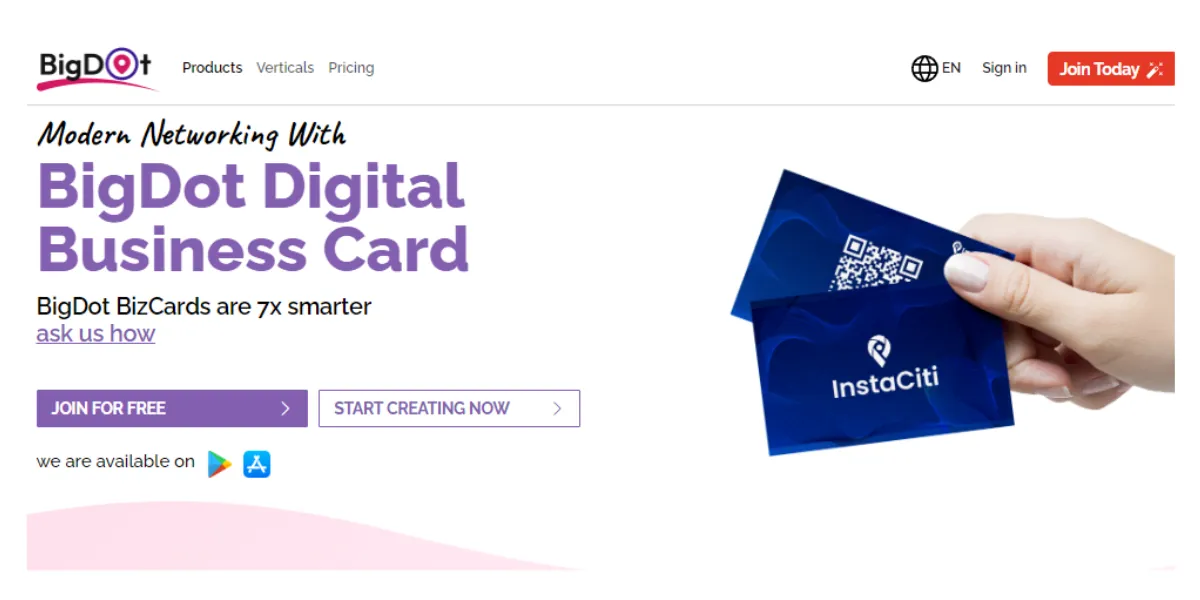
How to Create a Free Digital Business Card with BigDot
- Sign Up for an Account: Visit the BigDot website and sign up for a free account. You can sign up using your email address or by connecting your social media accounts.
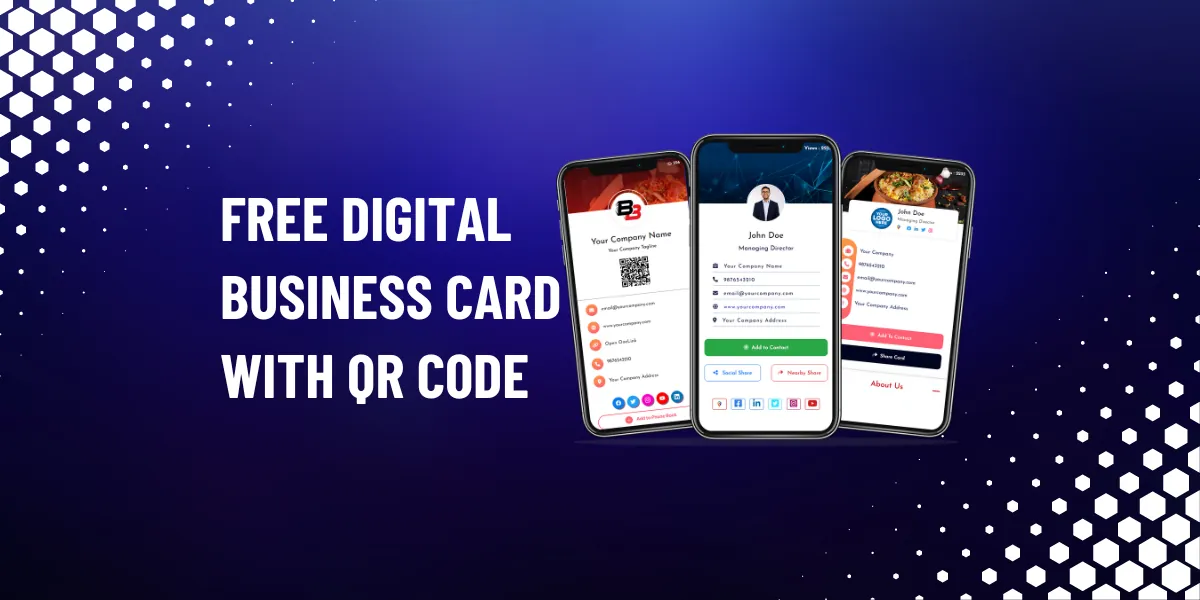
- Choose a Template: Once you’ve signed up, you’ll be taken to the dashboard where you can choose a template for your digital business card. BigDot offers a variety of templates to choose from, so pick one that reflects your style and brand.
- Customize Your Card: After selecting a template, you can customize your card by adding your name, job title, company name, contact information, and social media links. You can also upload a profile picture or company logo to personalize your card further.
- Add a Personal Message: BigDot allows you to add a personalized message to your digital business card. Use this space to introduce yourself or highlight key aspects of your business or services.
- Preview and Save Your Card: Once you’ve customized your card, you can preview it to see how it looks. If you’re happy with the design, save your card to finalize it.
- Share Your Card: Once your card is saved, you can share it with others by sending them the link or QR code generated by BigDot. You can also download a printable version of your card for offline use.
Key Features of BigDot Free Digital Business Card
- Customizable Templates: BigDot offers a variety of customizable templates to help you create a digital business card that suits your brand and style.
- Contact Information: Easily add your contact information, including your name, job title, company name, phone number, email address, and website URL, to your digital card.
- Social Media Links: BigDot allows you to add links to your social media profiles, making it easy for people to connect with you on platforms like LinkedIn, Twitter, and Instagram.
- Personalized Message: Add a personalized message to your digital business card to introduce yourself or provide additional information about your business or services.
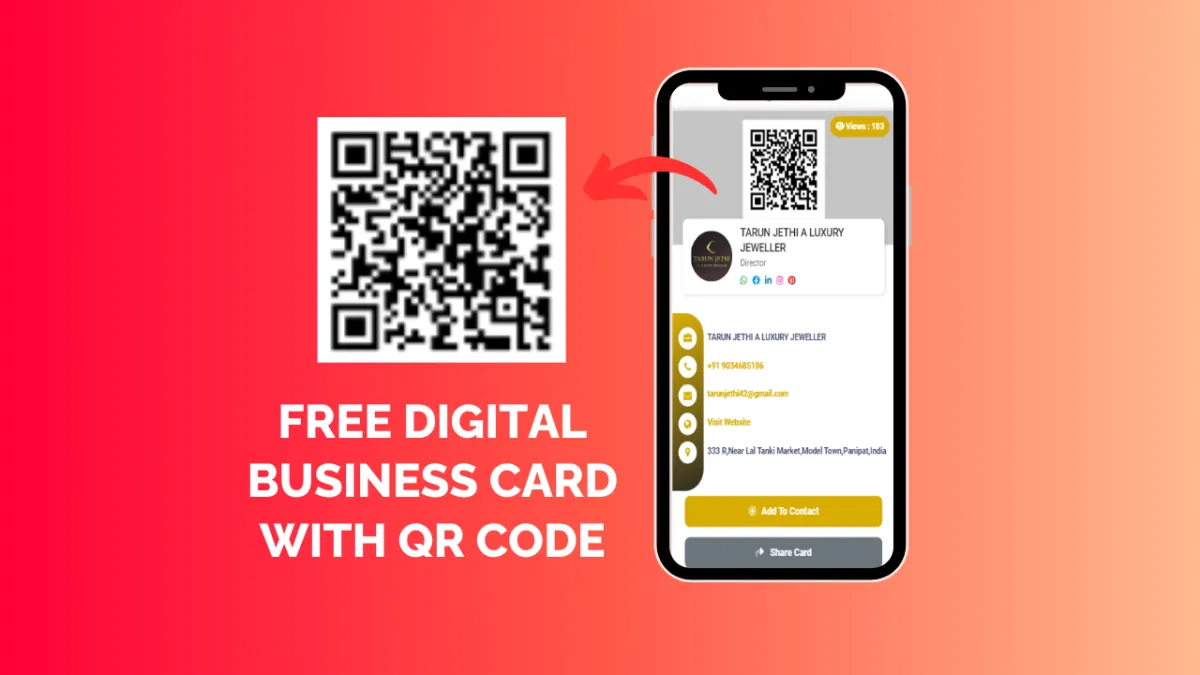
- QR Code: BigDot generates a QR code for your digital business card, making it easy for people to scan and save your contact information on their devices.
- Analytics: BigDot provides analytics to track how many people have viewed or scanned your digital business card, giving you insights into its effectiveness.
- Printable Version: Download a printable version of your digital business card for offline use, such as networking events or meetings.
In conclusion, creating a free digital business card with BigDot is a simple and effective way to share your contact information and make a lasting impression. With its customizable templates and range of features, BigDot offers a professional solution for anyone looking to go digital with their business card. So why wait? Sign up for a free account on BigDot today and start creating your own free digital business card!