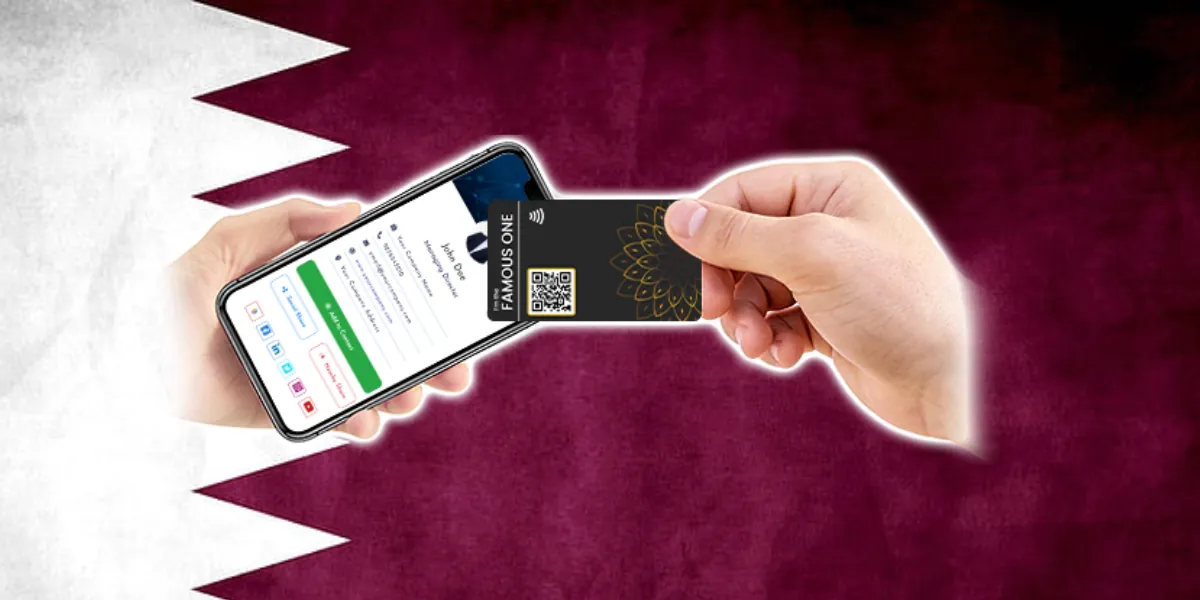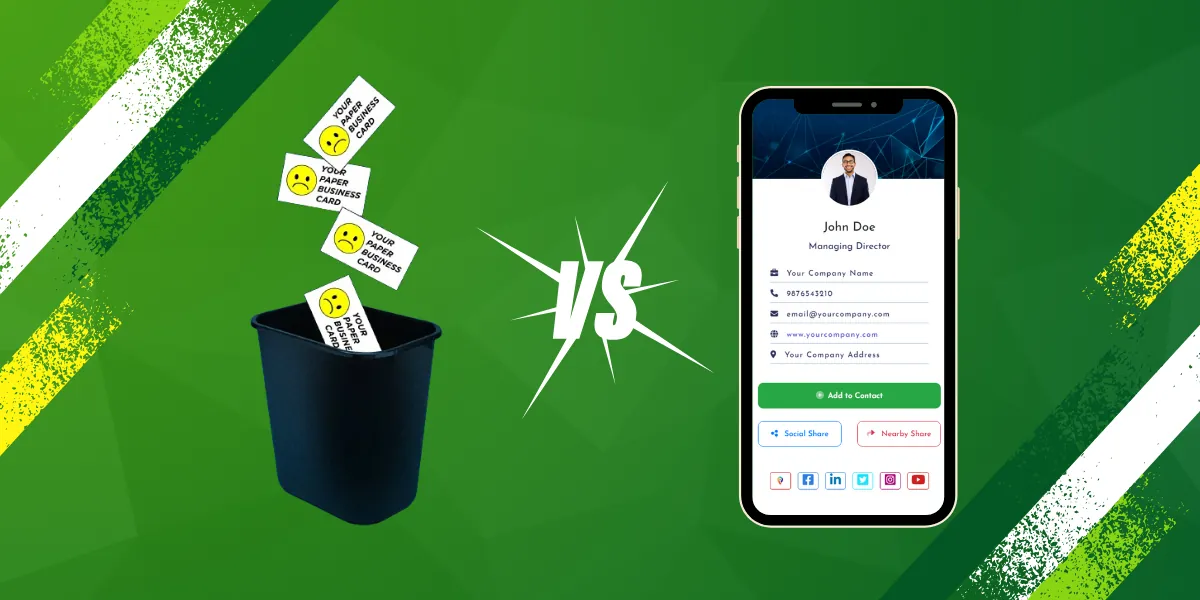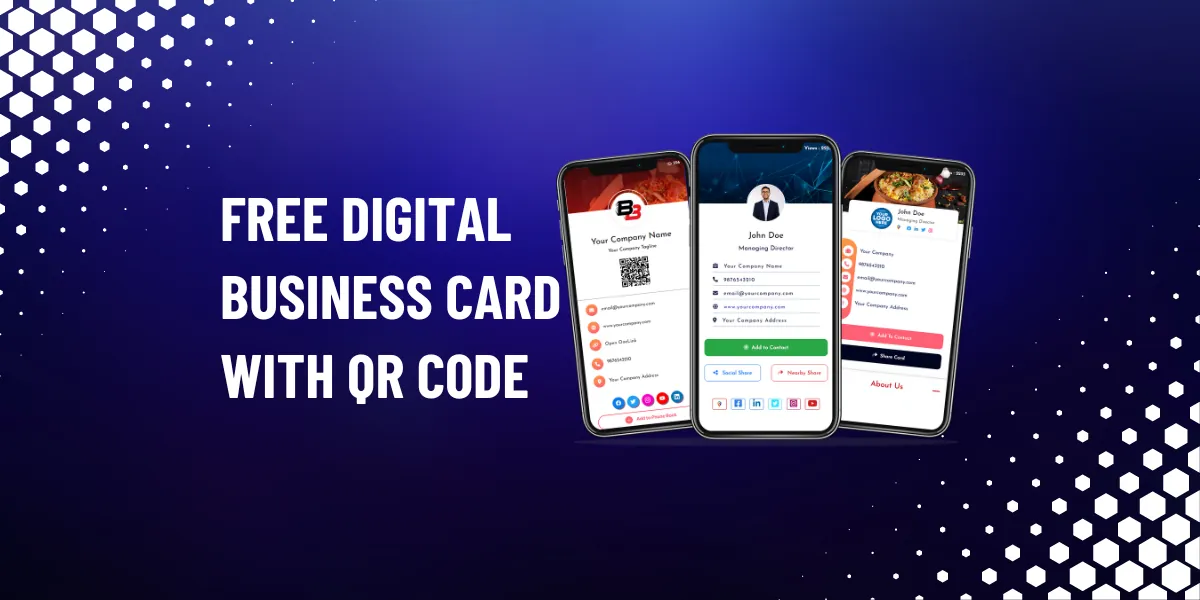
How to create a digital business card with QR code for free?
Create a digital business card with a QR code for free with BigDot in five simple steps, then share your contact details instantly with a quick scan.
In today’s digital age, having a business card is essential for networking and promoting your brand. However, traditional paper business cards can be easily lost or damaged. That’s where digital business cards come in. With BigDot’s digital business card maker, you can create a professional and interactive digital business card with a QR code for free. Let’s dive into how you can create your own digital business card with QR code and explore the benefits of using BigDot’s digital business card maker.
Step 1: Sign up for BigDot’s Digital Business Card Maker
To get started, sign up for a free account on BigDot’s website. Once you’ve created an account, you’ll have access to the digital business card maker tool.
Step 2: Customize Your Digital Business Card
Next, customize your digital business card to reflect your brand. Add your logo, contact information, and any other relevant details. You can also choose from a variety of templates and color schemes to make your card stand out.
Step 3: Add a QR Code
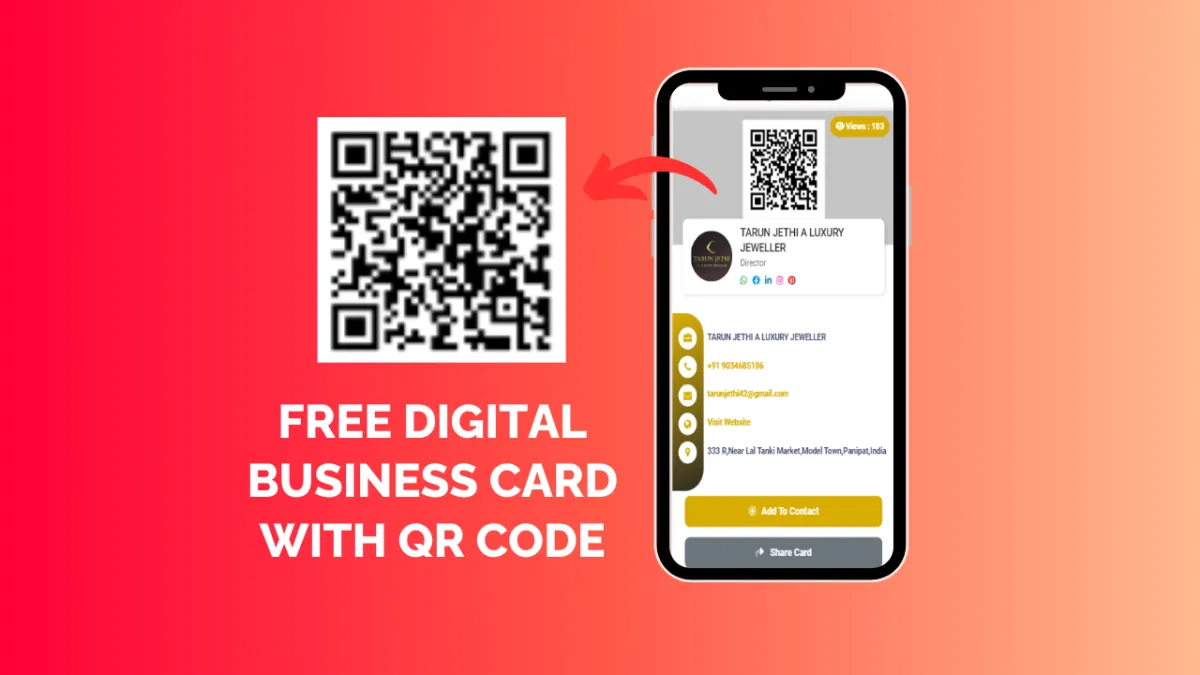
One of the key features of BigDot’s digital business card maker is the ability to add a QR code to your card. A QR code can be scanned by smartphones, making it easy for people to access your contact information quickly. Simply generate a QR code using the tool and add it to your card.
Step 4: Preview and Save Your Digital Business Card
Once you’re satisfied with the design of your digital business card, preview it to see how it will look to others. Make any final adjustments, and then save your card.
Step 5: Share Your Digital Business Card
Now that you’ve created your digital business card, it’s time to start sharing it. You can share your card via email, social media, or by printing the QR code on your traditional business cards.
Benefits of Using BigDot’s Digital Business Card Maker:
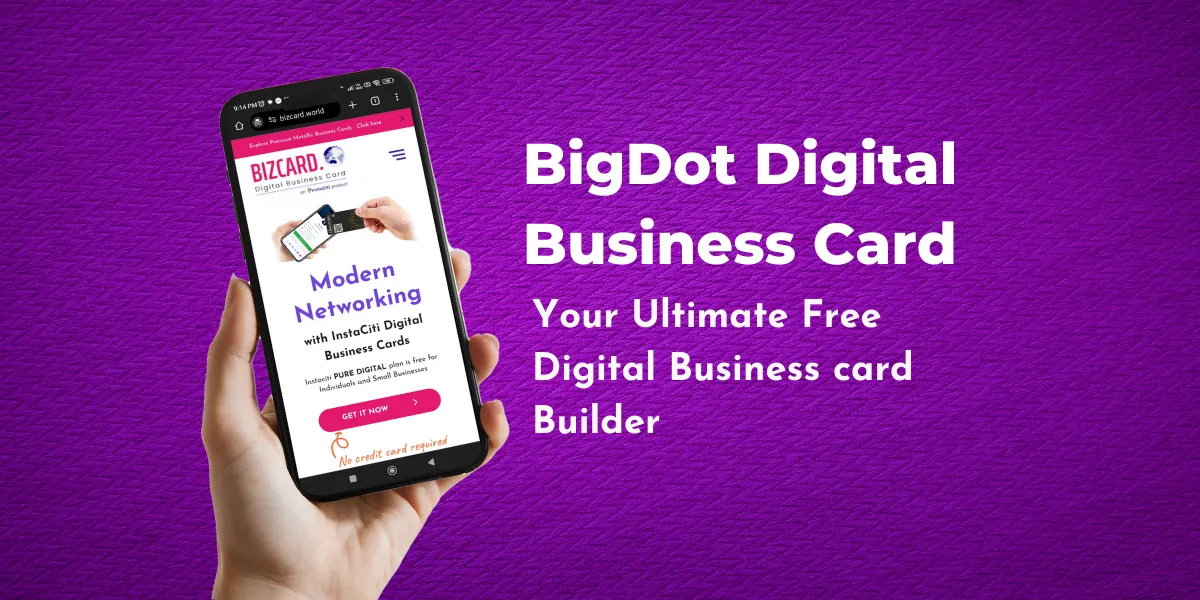
- Cost-Effective: Creating a digital business card with BigDot is free, saving you money on printing costs.
- Environmentally Friendly: Digital business cards are paperless, helping to reduce paper waste and environmental impact.
- Convenience: Digital business cards can be easily shared and accessed on smartphones, making it convenient for networking events and meetings.
- Professional Image: A digital business card with a QR code projects a modern and professional image, showcasing your tech-savviness.
- Analytics: BigDot’s digital business card maker provides analytics on how many times your card has been viewed, helping you track its effectiveness.
In conclusion, creating a digital business card with a QR code using BigDot’s digital business card maker is a simple and effective way to promote your brand and network with others. The benefits of using a digital business card, such as cost-effectiveness, convenience, and environmental friendliness, make it a valuable tool for any business professional