Best Wedding Website Builders in 2026: 5 Platforms Compared
Compare the best wedding website builders and guest photo albums of 2026: BigDot, EventPixel, PixelParty, GuestPix and Kululu, with honest pros and cons.
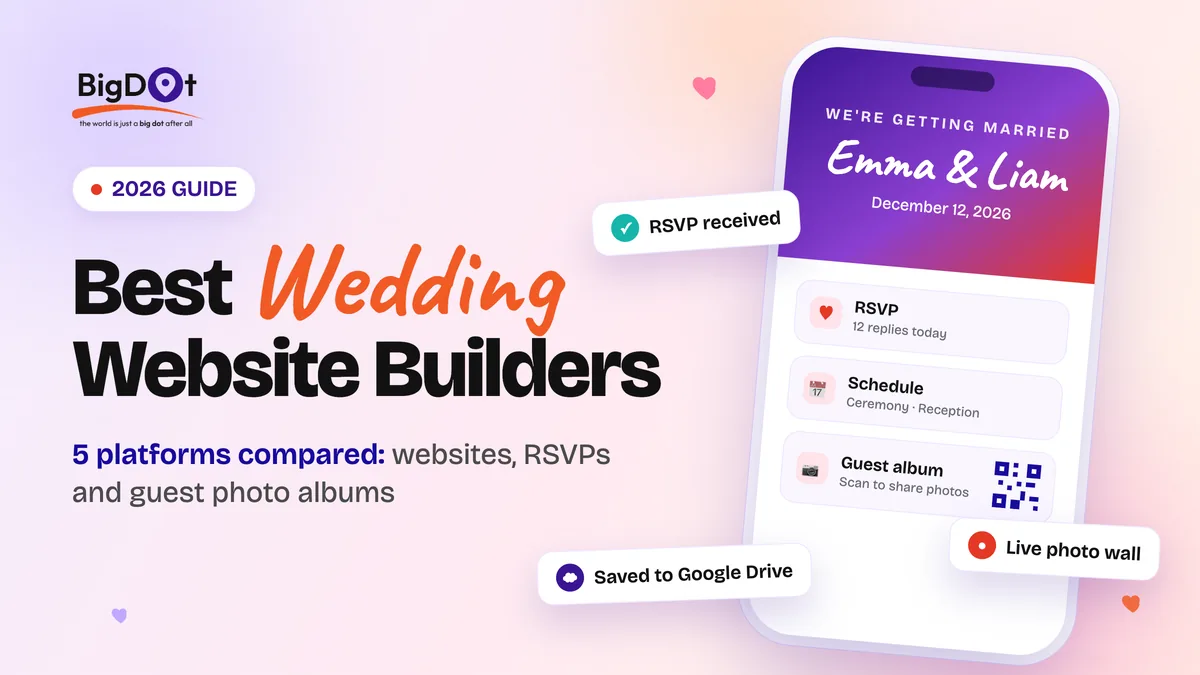
Planning a wedding used to mean printing invitations, chasing RSVPs by phone and waiting weeks for the photographer's gallery. Today most couples run it from one link: a wedding website for the details, an RSVP form, and a QR code that lets guests add the photos they take on the night.
We compared five platforms that cover some or all of that: BigDot Wedding Websites, EventPixel, PixelParty, GuestPix and Kululu. A note on fairness: BigDot is our own product, so it is first on the list and we explain why. Everything we say about the other four comes from their own websites, checked on September 29, 2026. Features and prices change, so confirm the details on each site before you buy.
The short version: if you want one place for your wedding website, invitations, RSVPs, gift registry and a guest photo album, and you want the photos to end up in your own Google Drive, start with BigDot. If you mainly need an album or a live photo wall for the reception, GuestPix, PixelParty and Kululu are built for that. EventPixel sits in between, with a free event website and AI face search.
What to look for in a wedding website builder
Before comparing brand names, decide what you actually need. These are the questions that separate the options:
- A website, or just photos? Some tools give you a full wedding website with your story, schedule, maps and RSVPs. Others focus on collecting guest photos.
- Where do the photos live, and for how long? Many platforms keep your album for a fixed period, often 12 months, so you have to download it in time. Some let you keep everything in your own storage.
- Do guests need an app? All five tools below say no: guests scan a QR code or open a link in their phone browser.
- Big-screen moments. A live slideshow or photo wall at the reception is a crowd-pleaser. Check that it is included in the plan you choose.
- Languages and traditions. If your guests read Arabic or Hindi, or your wedding runs over several events, check that the tool handles it.
- How you pay. A free tier, a one-time fee per event, or packages: compare what you actually get at each level.
1. BigDot Wedding Websites: the best all-in-one pick
BigDot Wedding Websites is built to cover the journey from the save-the-date to the thank-you notes on one platform: a personalized wedding website, digital invitations with RSVP tracking, a gift registry, and a guest photo and video album. According to BigDot, you can be live in under two minutes, and you do not need a credit card to start.
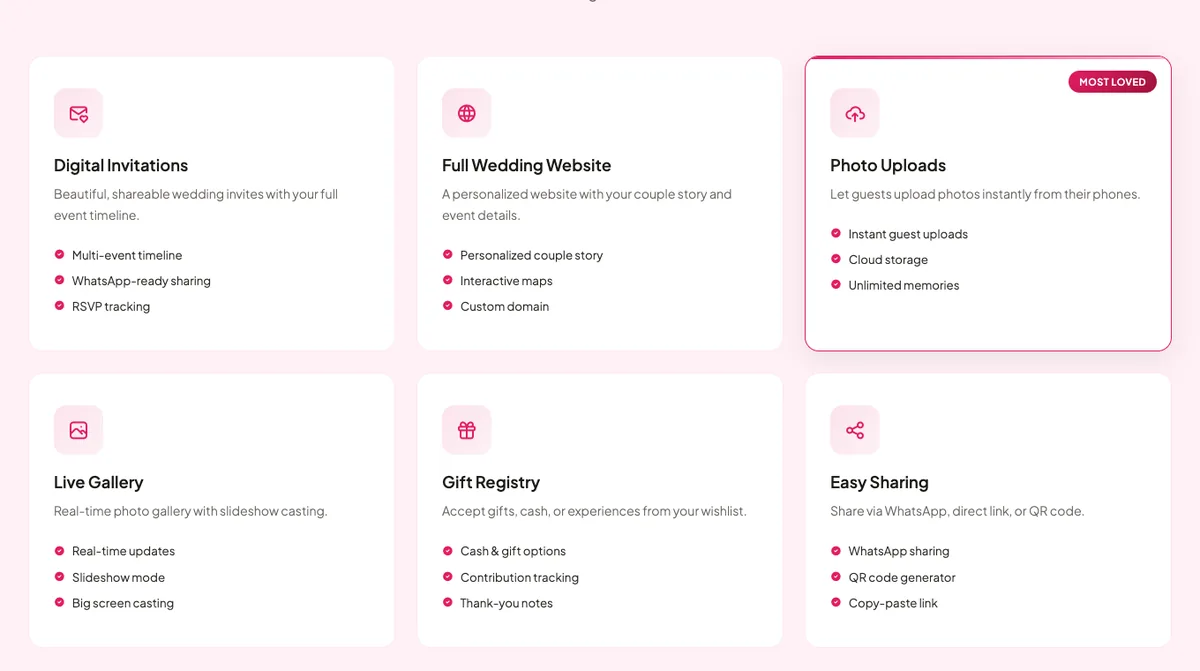
What makes it stand out is where your photos go. Guests upload with a QR code or a link, with no app and no sign-up, and every photo and video lands in your own Google Drive at full quality. Your photos are not tied to a platform's storage window: the files sit in an account you already own.
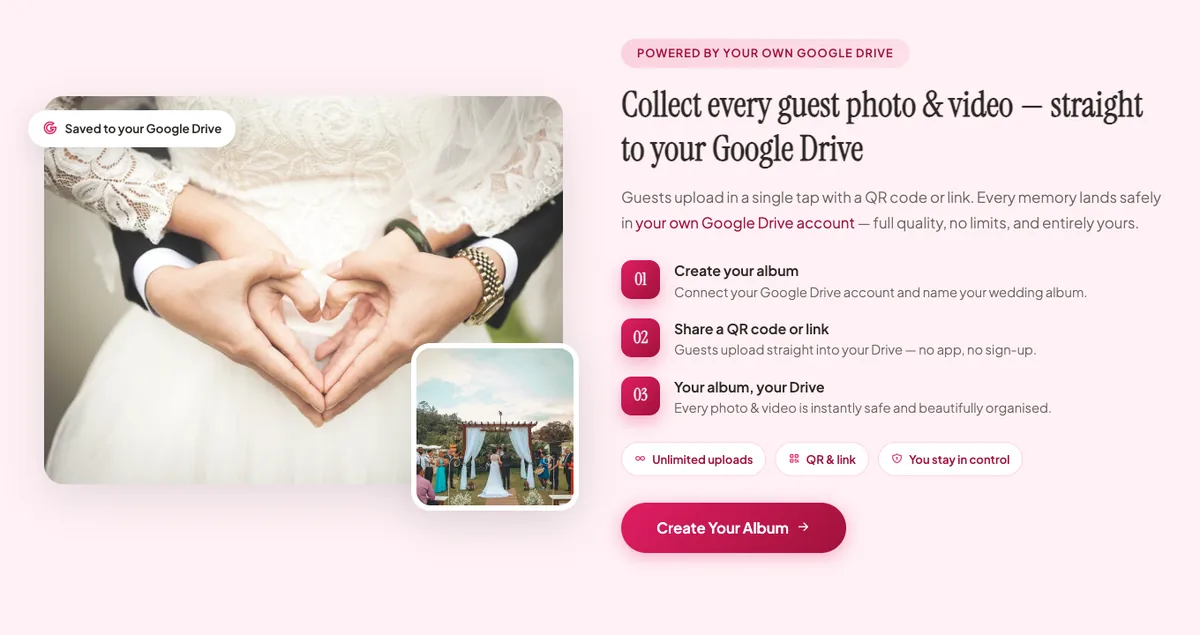
What you get:
- A wedding website with your couple story, interactive maps and a custom domain
- Digital invitations with a multi-event timeline, WhatsApp-ready sharing and RSVP tracking
- A gift registry for cash and gifts, with contribution tracking and thank-you notes
- A guest album with unlimited uploads, a real-time gallery, slideshow mode and big-screen casting
- Voice wishes (audio messages from guests) and a digital guestbook
Best for: couples who want the website, invitations, RSVPs, registry and photo album in one place, families who share invitations on WhatsApp, and weddings with several events, since the invitation supports a multi-event timeline.
Worth knowing: because the album uses your Google Drive, you need a Google account, and your own Drive storage is the practical limit. Check bigdotsales.com for the current plans when you sign up.
Create your BigDot wedding website
2. EventPixel: best for face search and a free event website
EventPixel combines a guest photo album with an event website. Guests scan a QR code and upload without an app or an account, and everything appears on a live photo wall you can put on any screen. Its signature feature is PixelFind, an AI face search: a guest takes a quick selfie and sees the photos they appear in. That is handy when the guest list is big and scrolling for your own face gets tedious.
- A free plan with an event website (story and schedule), a live photo wall, a QR code and up to 100 guest photo uploads
- Paid plans are a one-time fee per event, not a subscription, according to EventPixel's pricing page
- Voice and written messages, a live slideshow and RSVP management on paid plans, plus a shared song playlist
- Original-quality downloads and a one-click ZIP on paid plans
- PixelFind for every guest from its Premier plan up, and a wedding website with registry and gift links on its top plan
Best for: larger guest lists where finding your own photos is a chore, and couples who prefer paying once per event.
Worth knowing: upload windows and storage depend on the plan, from three months of uploads and one year of storage on Classic up to a year of uploads and two years of storage on Grand. A free gallery is fully viewable for 14 days and then locks, although EventPixel says the photos stay stored for 12 months.
3. PixelParty: best for a simple, moderated album
PixelParty keeps things simple. It creates a private QR code for your wedding, guests scan it and upload photos, videos and notes from their phone browser, and everything lands in one shared album, with no app and no accounts.
- Approve or hide guest photos before they appear in the shared album
- A live slideshow that updates as guests upload
- Photos and videos in original quality, with no compression on download and no upload limits
- Guest notes that work as a digital guestbook
- Digital invites and RSVPs, more than 15 themes, and printable QR code signage templates
- A "disposable camera" mode, where only the host can delete photos
Best for: couples who mainly want a clean, moderated photo album and slideshow, with invites and RSVPs as a bonus. See PixelParty's wedding page for details.
Worth knowing: the wedding album stays available to view and download for 12 months, so download your originals before then. PixelParty says you can try a free event to explore the features; check its pricing page for the current packages.
4. GuestPix: an established QR photo platform
GuestPix calls itself the original QR code photo sharing platform for events, and says more than 200,000 couples in over 100 countries have used it. Guests scan a QR code or open a private link, with no app and no registration, and add photos, videos and guestbook messages, all labeled with the guest's name.
- A live slideshow, included in every package
- Written and video guestbook messages, which you receive as a CSV file
- A digital invitation and RSVPs, design themes and multiple languages
- 180+ Canva templates for printable welcome signs, table cards and take-home cards with your QR code
- A full-resolution ZIP download of the gallery
Best for: couples who want an established photo platform with plenty of print-ready extras. Start on its wedding page.
Worth knowing: GuestPix is first and foremost a photo-sharing platform. Its invitation and RSVP tools are extras, and we did not see a full wedding website builder on its wedding page. Download your gallery within 12 months of the event, and check what its "Get Started Free" option includes before you rely on it.
5. Kululu: best for a live photo wall
Kululu is built around the Photo Wall: a live slideshow of every photo and video guests upload during the event, ready to show on a TV or projector. Guests scan a QR code or open a link, with no app to install, and can add a caption to each photo or video.
- A digital album you can share by link, and download in one click
- Captions on photos and videos, and privacy so only the people you share it with can see the photos
- Free, Plus and Pro plans. Kululu suggests the free plan for small events of around 10 to 20 guests, Plus for up to about 100 guests, and Pro for 150 guests or more
- Moderation tools on the Pro plan, and a money-back guarantee under its refund policy (see its pricing page)
Best for: couples who want a live photo wall at the reception and do not need a website.
Worth knowing: Kululu is a photo wall and album, not a wedding website. We did not find invitations, RSVPs or a registry on its pages.
Wedding website builders compared
| BigDot | EventPixel | PixelParty | GuestPix | Kululu | |
|---|---|---|---|---|---|
| Wedding website or invitation page | Yes: full website plus invitations | Yes: free event website; wedding website on top plan | Digital invites | Digital invitation | Not listed |
| RSVPs | Yes | Yes (paid plans) | Yes | Yes | Not listed |
| Gift registry | Yes | Yes (top plan) | Not listed | Not listed | Not listed |
| Guests upload with no app | Yes | Yes | Yes | Yes | Yes |
| Live slideshow or photo wall | Yes | Yes | Yes | Yes | Yes |
| Where photos are kept | Your own Google Drive | EventPixel: 1 to 2 years on paid plans | PixelParty: 12 months to view and download | GuestPix: download within 12 months | Not stated |
| Free way to start | Yes, no credit card | Free plan (100 uploads) | Free event to try | "Get Started Free" | Free plan (small events) |
| How you pay | See current plans | One-time fee per event | Packages | Packages | Free, Plus and Pro |
"Not listed" means we did not find it on the pages we checked. It may still be available, so ask the provider.
How to choose
- You want everything in one place (website, RSVPs, registry and album) and you want your photos in your own Drive: BigDot.
- You have a big guest list and want guests to find their own photos with a selfie: EventPixel.
- You want a moderated album and a slideshow, with printable signage: PixelParty or GuestPix.
- You just want a live photo wall at the reception: Kululu.
Whichever you pick, tell your guests about the QR code before the day. Put it on your table cards and signage, mention it in your invitation, and ask a friend to remind everyone after the toast. And download a full-quality copy of your photos soon after the wedding, so a storage window never catches you out.
Frequently asked questions
Do guests need to download an app?
No. All five platforms in this guide let guests upload from their phone browser by scanning a QR code or opening a link, with no app and no account.
How long are wedding photos kept?
It depends on the platform. PixelParty keeps the album available for 12 months, GuestPix says to download within 12 months of your event, and EventPixel stores photos for one to two years on its paid plans. With BigDot, photos are saved to your own Google Drive, so they stay for as long as you keep them there. Whichever you choose, download a full-quality copy soon after the wedding.
What is the difference between a wedding website and a guest photo album?
A wedding website is for the run-up: your story, schedule, maps, RSVPs and registry. A guest photo album is for the day itself and after: it collects the photos and videos your guests take. BigDot and EventPixel offer both. PixelParty and GuestPix focus on the album, with invites and RSVPs as extras, and Kululu is a photo wall.
Can I use these for engagement parties and other events?
Yes. GuestPix, PixelParty, Kululu and EventPixel also market their tools for birthdays, parties and other events, so a tool you like for your wedding may work for the rest of your celebrations too.
Ready to see how it works for your own day? Explore BigDot Wedding Websites and build your wedding website and guest album in minutes.